new
Available NOW
Keep creative control.
Custom Objects and Automations let you model how your business works — and keep everything organized in real time, without the manual effort.

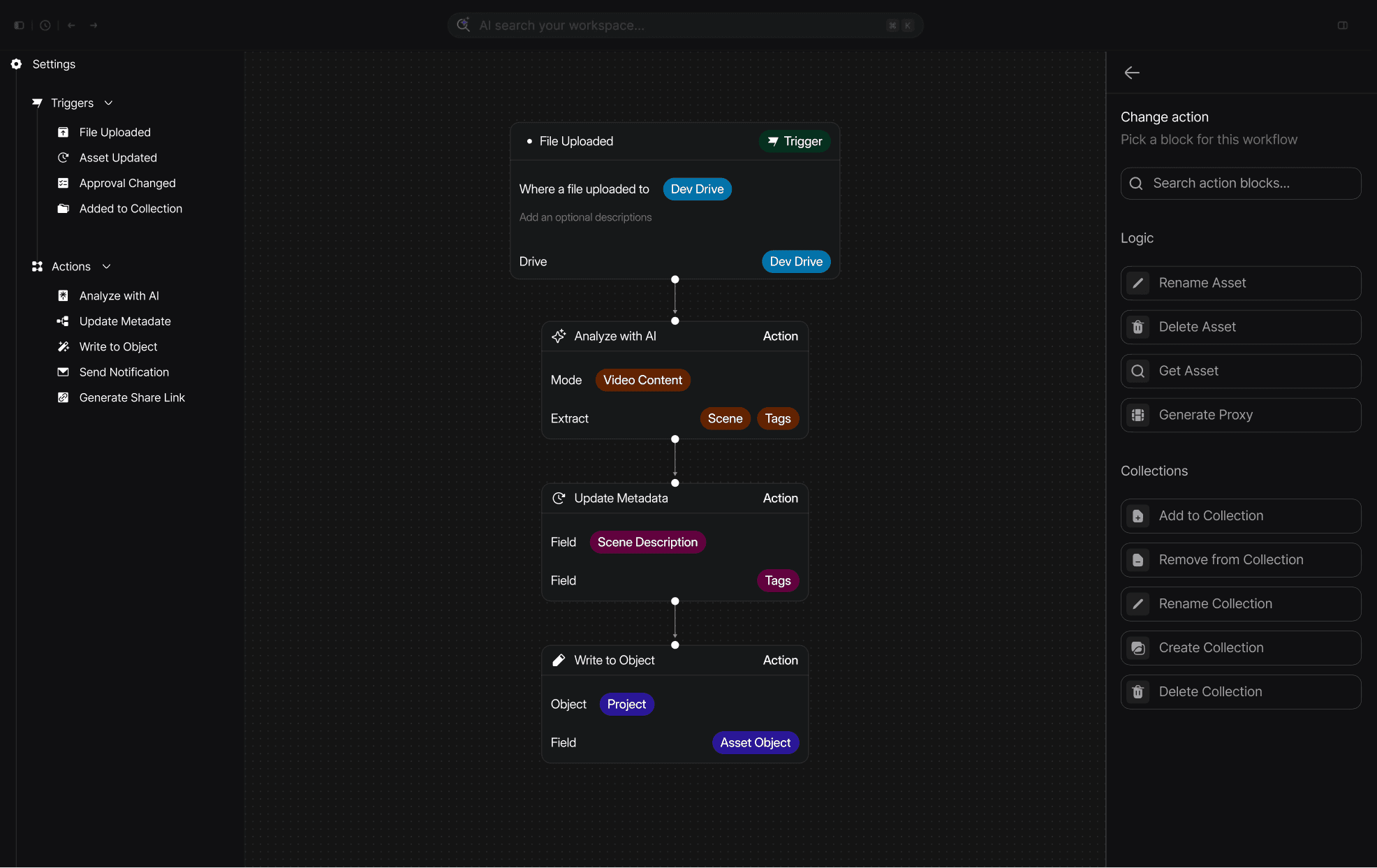
Build Workflow
Model your business. Automate the rest.
See different ways companies use Custom Objects & Automations to
model their businesses and eliminate the busywork.
CREATE YOUR OWN Object TYPES
Your business, mapped to your library.
Custom objects let you structure how your team works with assets in Shade. Build a table for anything you need to track, then link those records to the footage, files, and folders they belong to.
Creative associations for any business
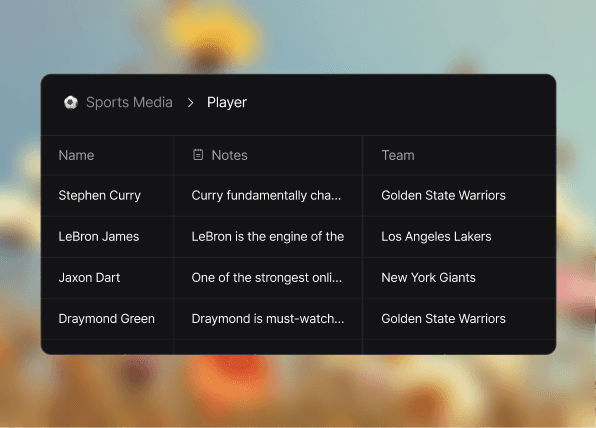
Tag clients to projects, players to teams, or campaigns to deliverables. Build the relationships your business actually runs on, then link them straight to the footage they belong to.
Context that travels with your footage
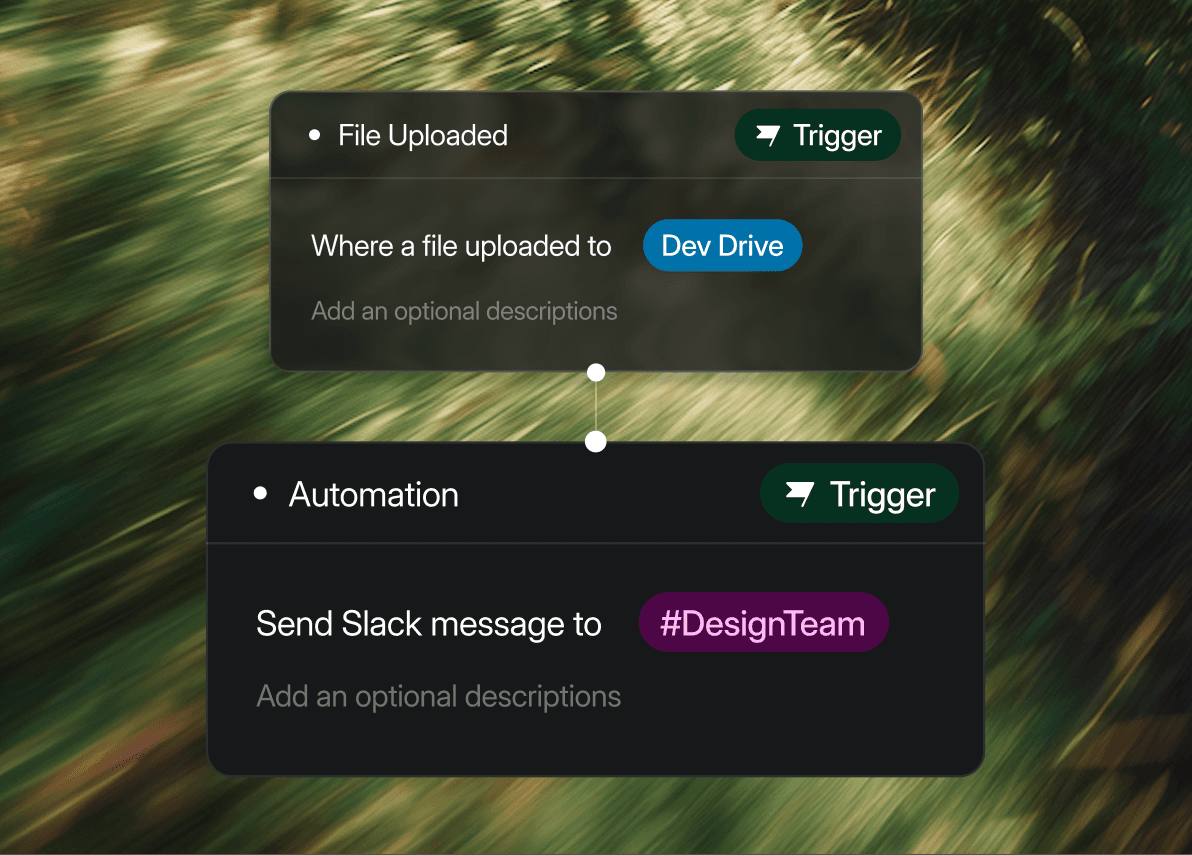
Files that carry their context with them. A clip linked to a player record always knows their team, jersey number, and every other clip they're in, no matter where it lives in your library.
Adaptable objects for your workflow
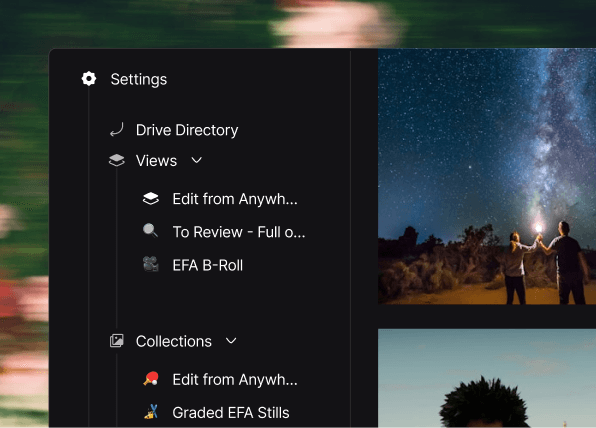
Your "Players" table holds everything — stats, footage, contracts. Editors sort by who has fresh game footage. legal toggles to contract status only. One source of truth for different views.
Automations
Your everyday workflows, automated.
Create triggers, conditions, and actions to automate the busywork. Automations turn your repeatable processes into systems that run themselves. Define the rules once, and let Shade handle the rest.
Route assets where they belong
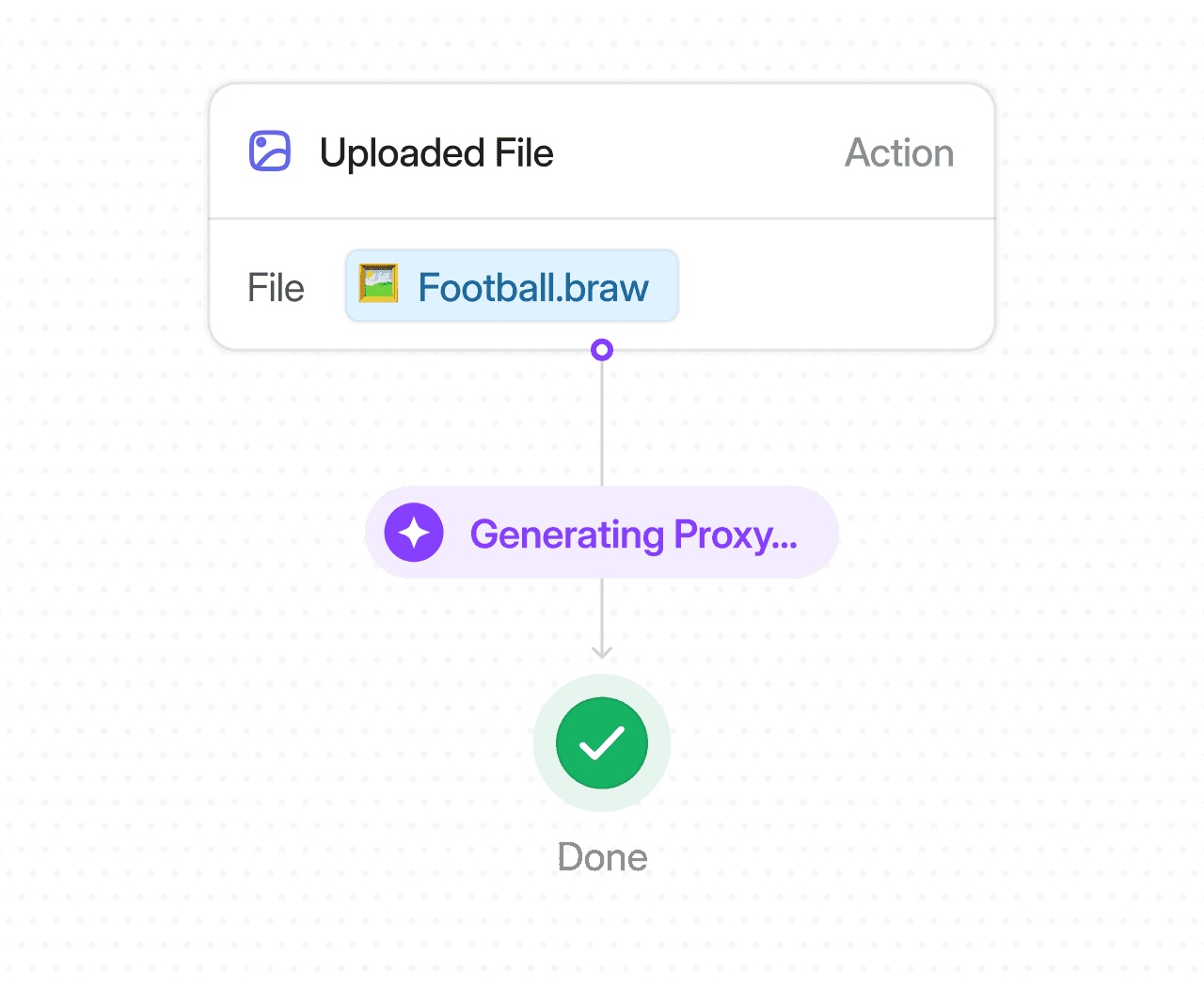
Auto-generate proxies on ingest
Better Togethers
Build the structure with custom objects.
Run it with automations.
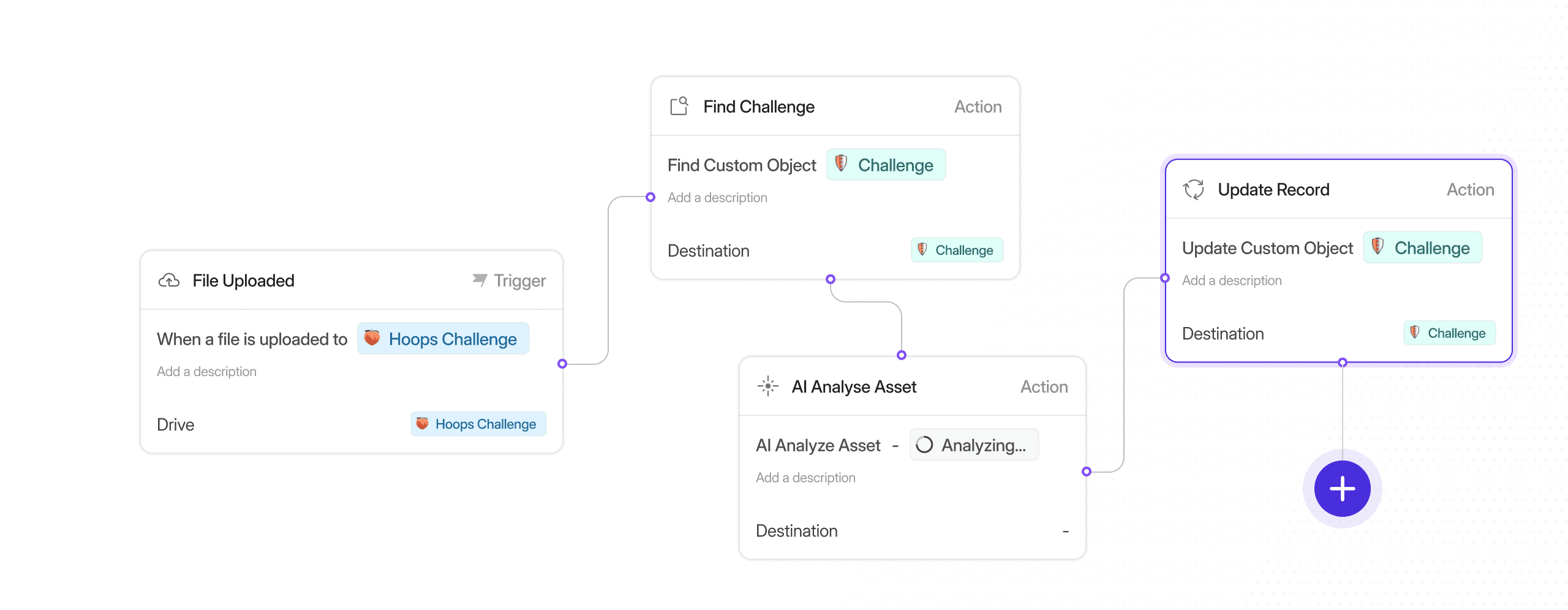
A visual workflow builder built directly into Shade. No code required. Build automations block by block and automate creative busywork.
Visual Block-Based Editor
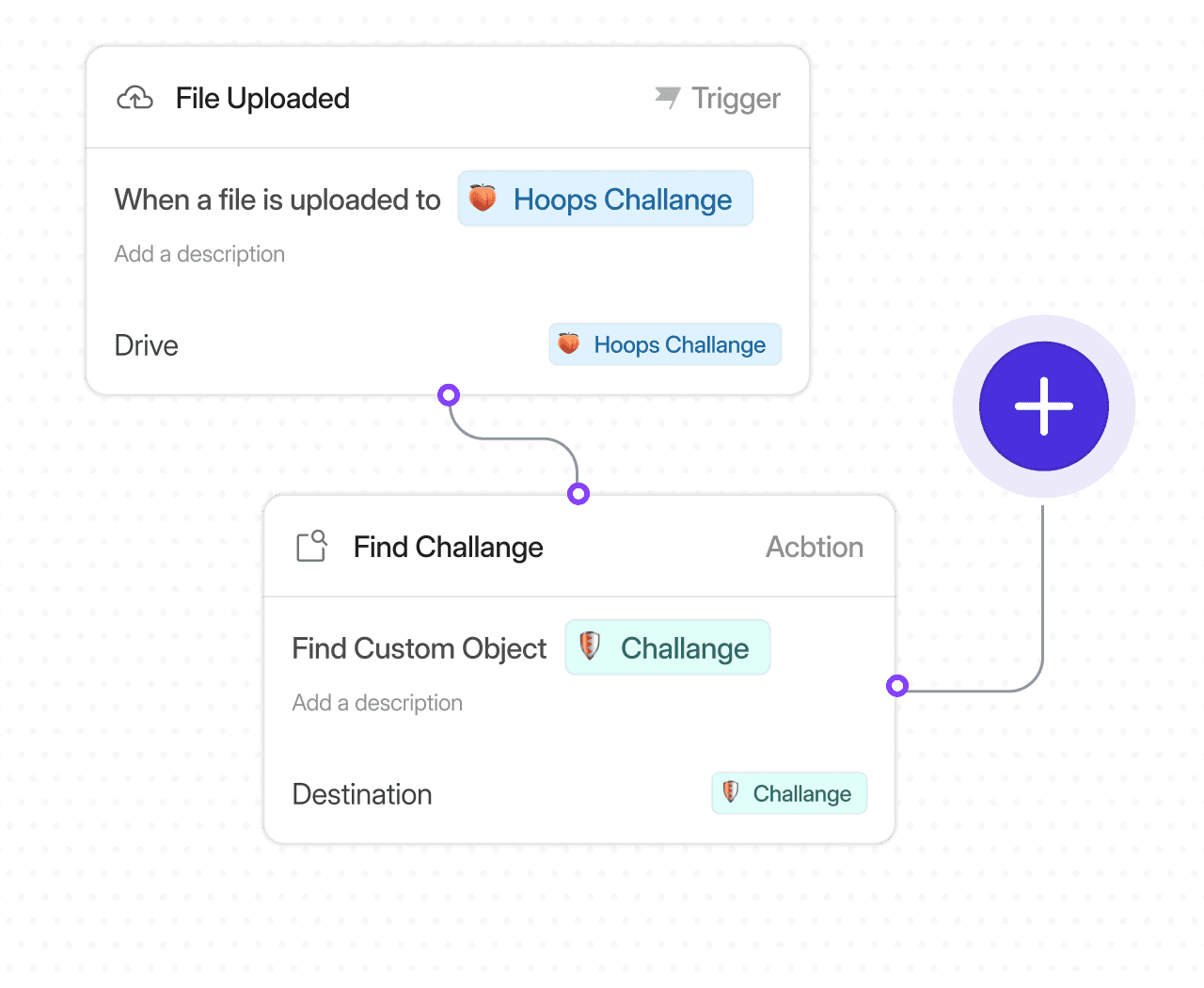
Build automations by snapping together trigger and action blocks. See the full logic of your workflow at a glance — no code required.
AI Automation Builder
Describe what you want in plain language and let AI generate the automation for you. Skip the builder entirely when you know what you need.
Flexible Trigger Events
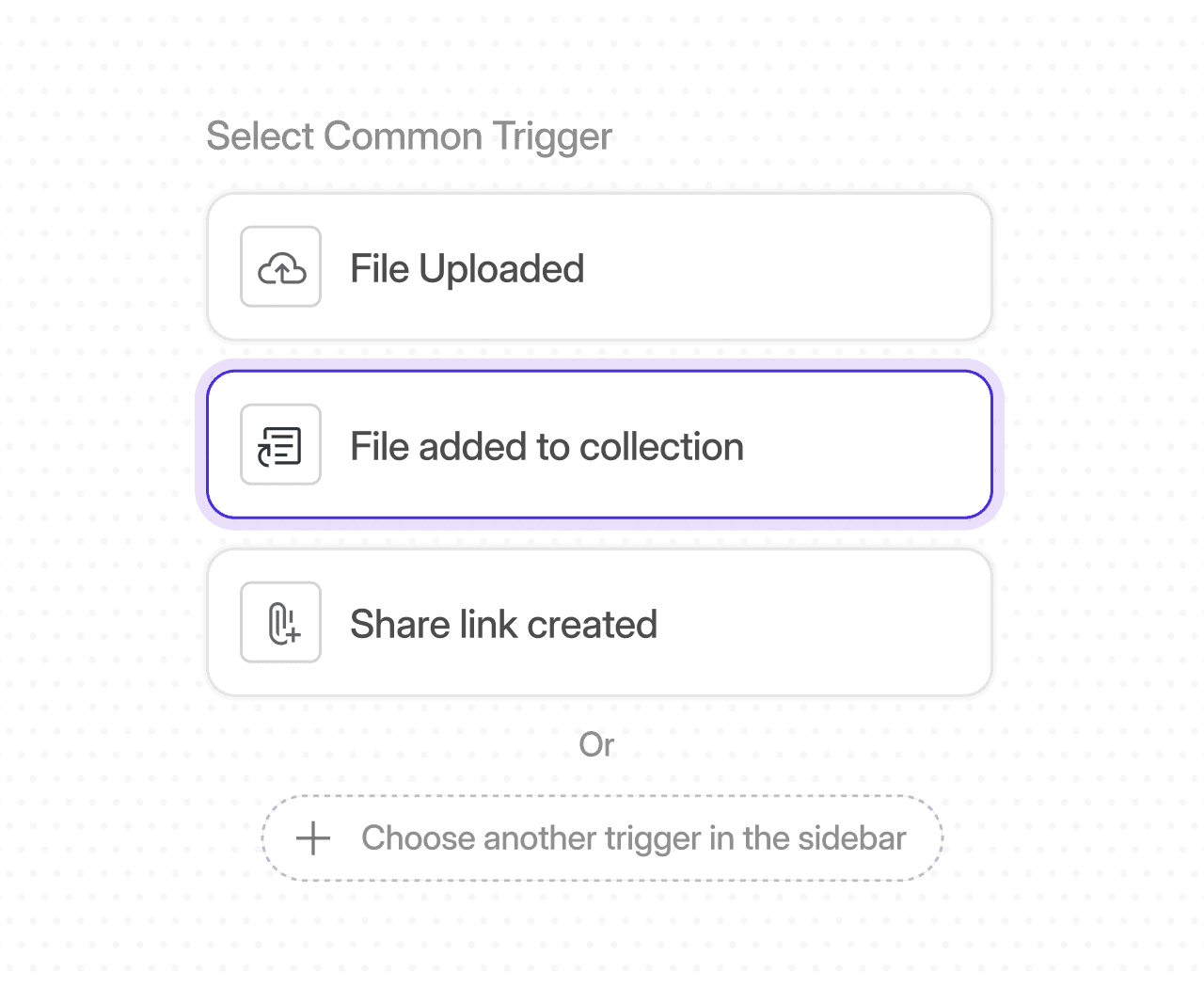
Start automations when a file is uploaded, an asset is updated, a file is added to a collection, or an asset receives an approval status.
Chained Actions
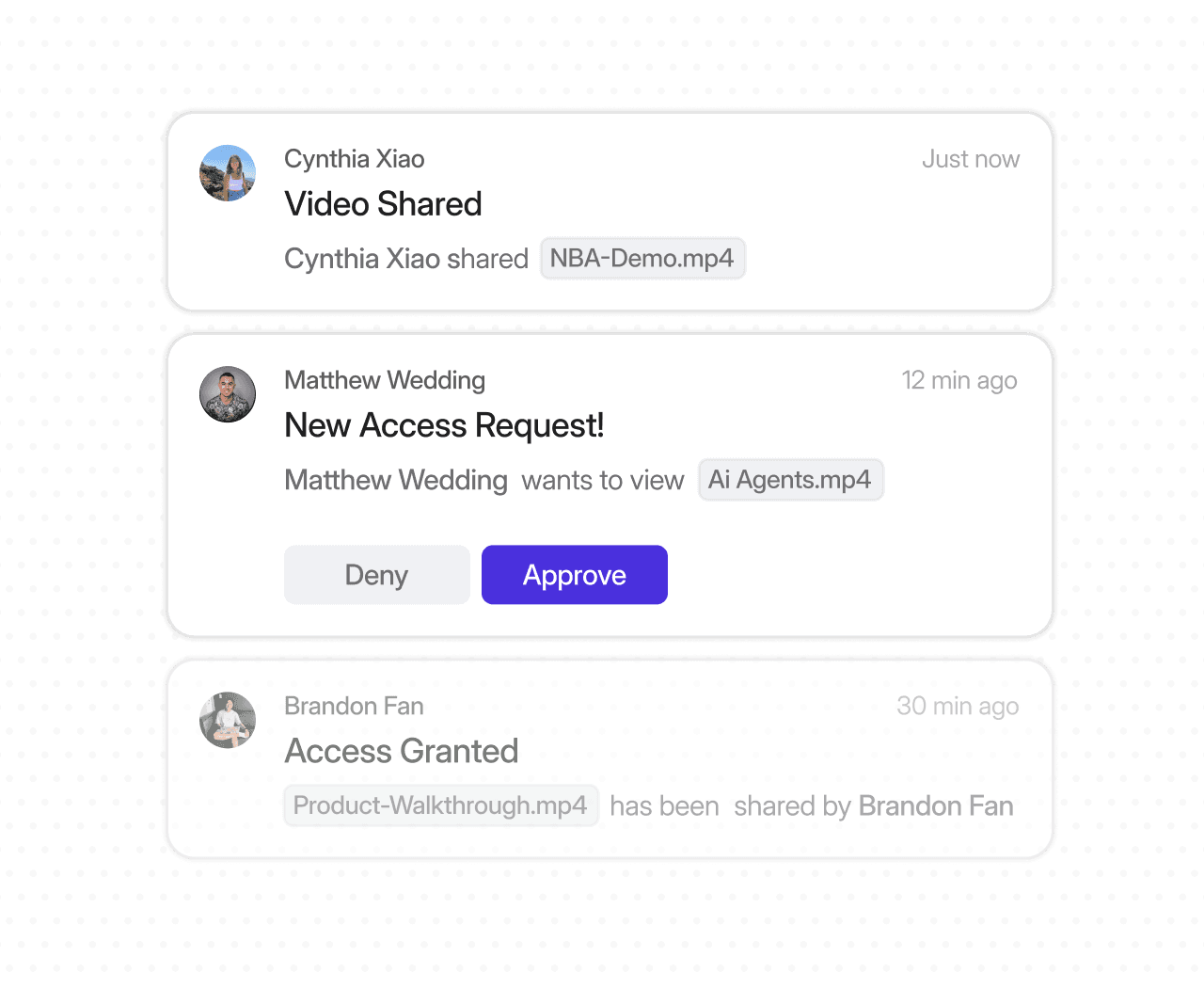
Chain together AI analysis, metadata updates, Custom Object writes, share link generation, and team notifications in a single workflow.