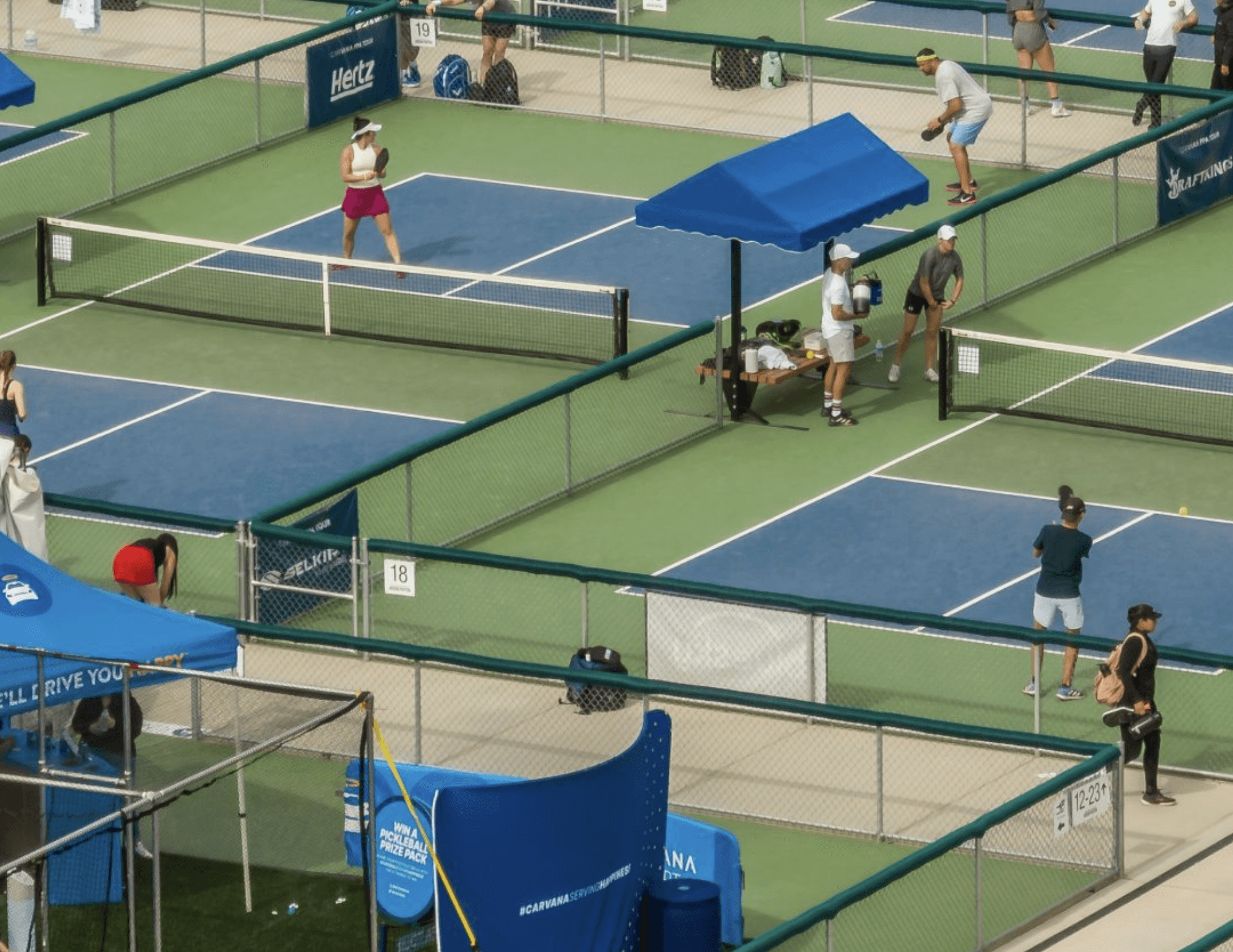
Edit, review, and approve with clarity.
Stay on track without switching tools.
Remote collaboration, made instant. Use the cloud like a hard drive.
Centralize feedback, approvals, and versions so everyone stays aligned from first draft to final sign-off.
Join 100,000+ who manage
review cycles with Shade
Parallax Mouse Movement
Connect content to add parallax effect


Review and Approval
Review and Approval
Review and Approval
Keep your team moving from anywhere.
Review projects with precision and control.
No more version conflicts, broken links, or transfer delays. Shade keeps your team automatically in sync.
Your assets, edits, versions, and review is all in one place. No more stringing together different tools just to keep your team aligned.
Anchored annotations
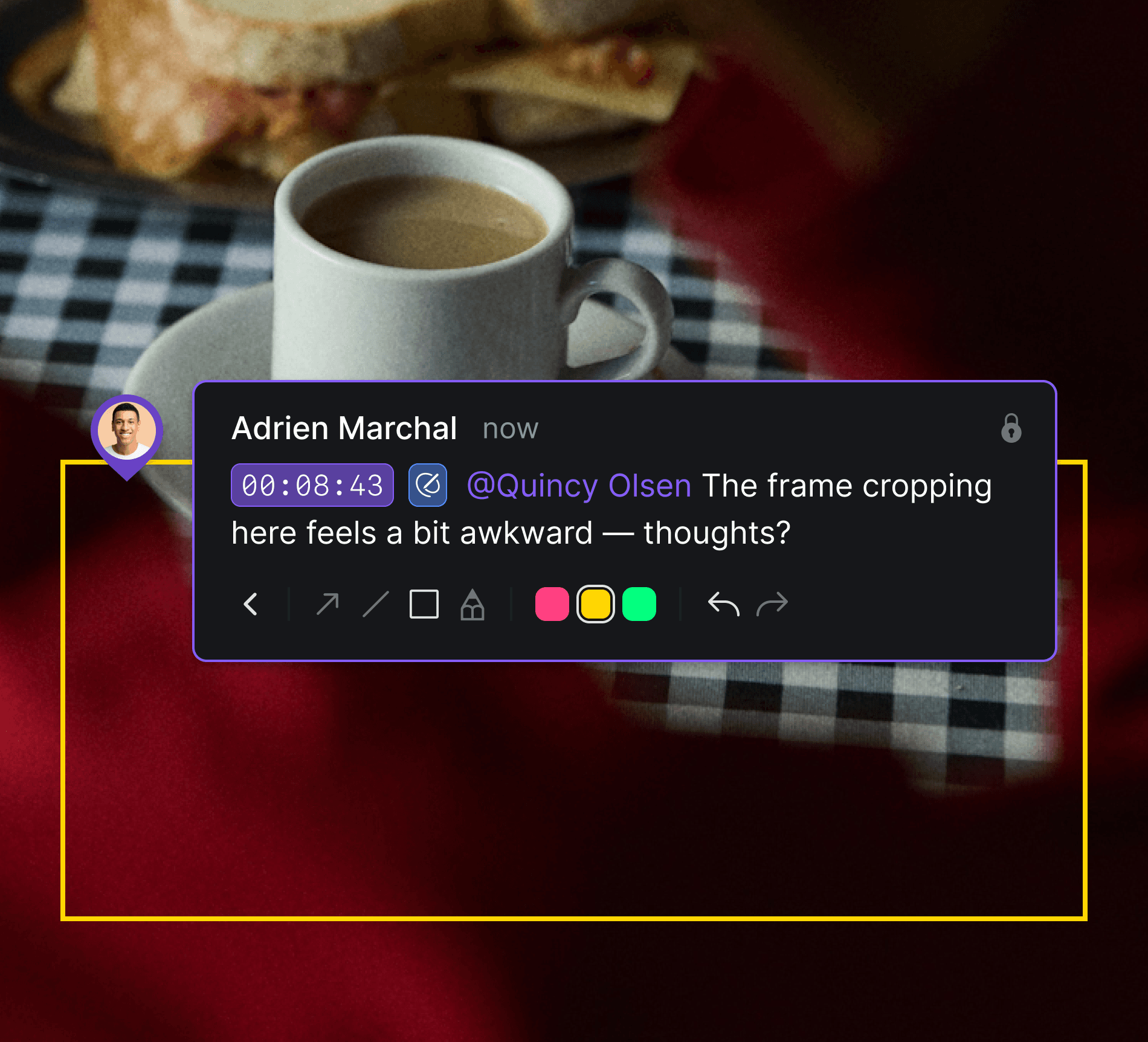
Place comments directly on your asset with anchored annotations. Highlight exactly where attention is needed for precise feedback.

Anchored annotations
Place comments directly on your asset with anchored annotations. Highlight exactly where attention is needed for precise feedback.

Anchored annotations
Place comments directly on your asset with anchored annotations. Highlight exactly where attention is needed for precise feedback.

Anchored annotations
Place comments directly on your asset with anchored annotations. Highlight exactly where attention is needed for precise feedback.

Timestamped, range-based comments
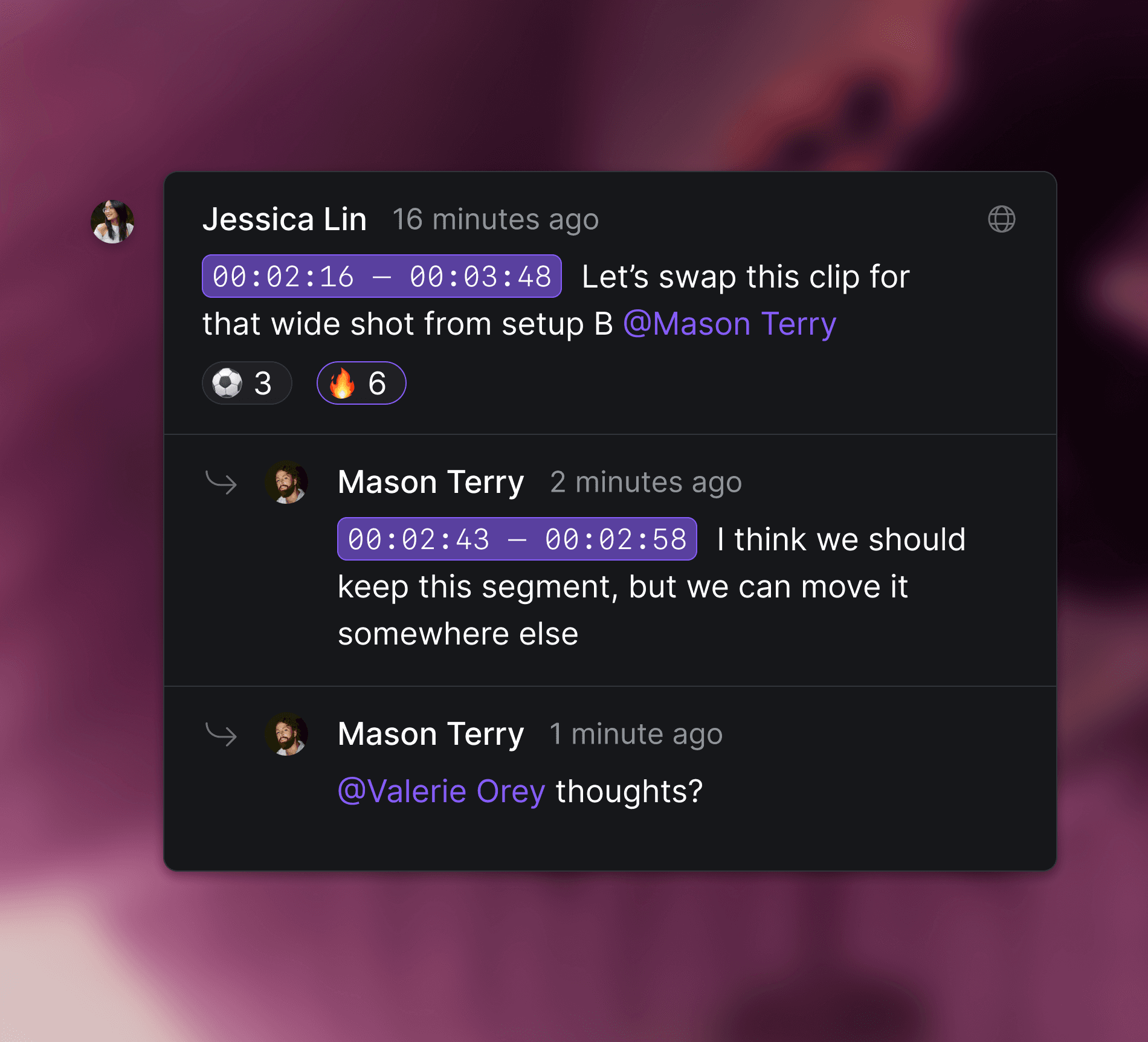
Pinpoint feedback at the exact moment it matters with timestamped and range-based comments.
Timestamped, range-based comments
Pinpoint feedback at the exact moment it matters with timestamped and range-based comments.

Timestamped, range-based comments
Pinpoint feedback at the exact moment it matters with timestamped and range-based comments.

Comment attachments
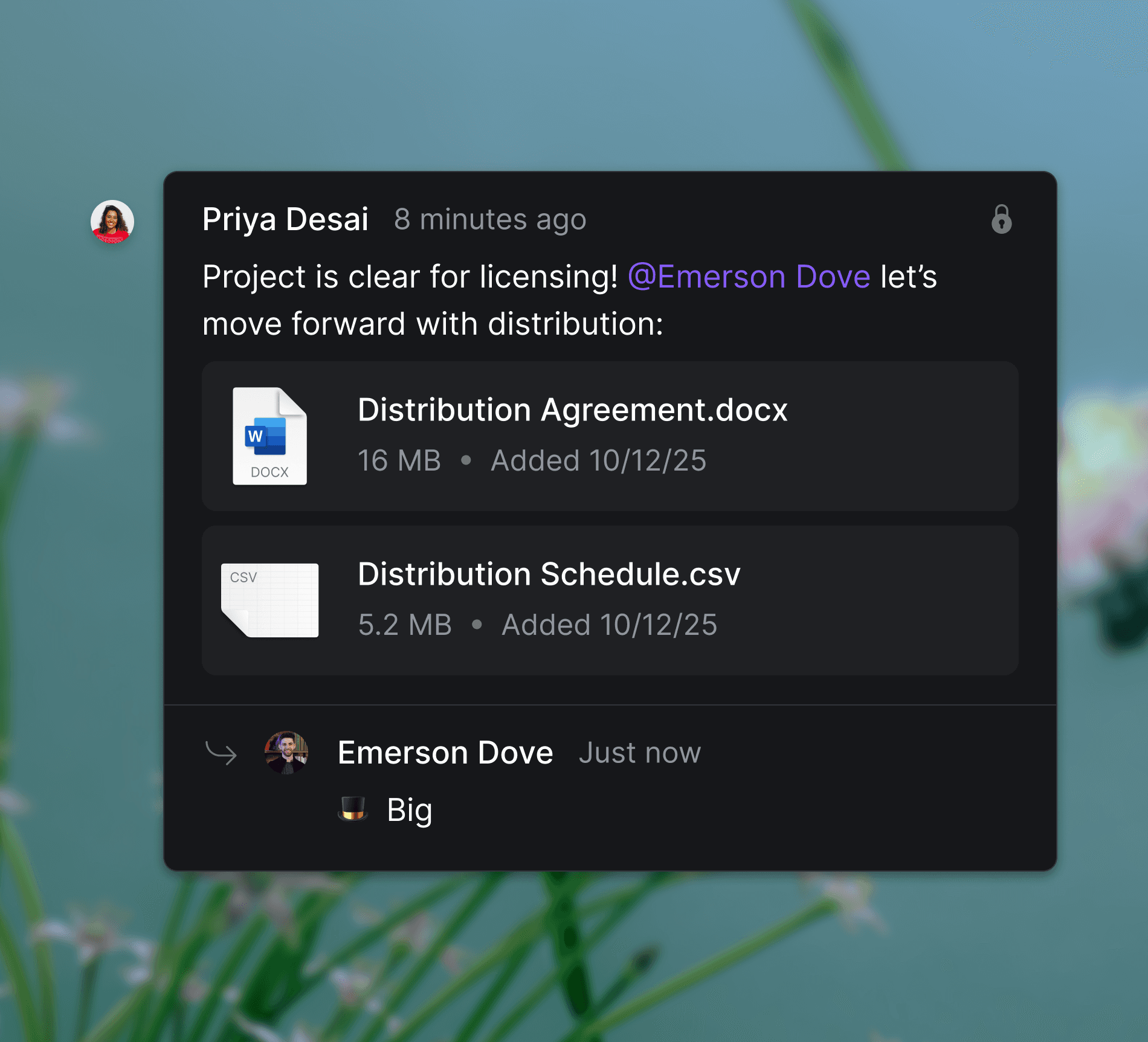
Attach documents, spreadsheets, videos, and other assets directly to threaded comments to streamline review workflows and enhance clarity.

Comment attachments
Attach documents, spreadsheets, videos, and other assets directly to threaded comments to streamline review workflows and enhance clarity.

Comment attachments
Attach documents, spreadsheets, videos, and other assets directly to threaded comments to streamline review workflows and enhance clarity.
VERSION MANAGEMENT
VERSION MANAGEMENT
VERSION MANAGEMENT
Intuitive sharing for every creative workflow.
Connect internal teams and clients in a single space.
Intuitive sharing and permissions for every workflow. Connect internal teams and clients in a single space.
Centralize your permissions stack into one software, keeping your IT team happy and your clients delighted.
"I really appreciate how we can customize link access and maintain control when sharing our deliverables. It's just so much better than Box—not just for video, but for all kinds of applications."

Jilian Green
Jilian Green
Creative Director
Creative Director
The James Agency
The James Agency


VERSION MANAGEMENT
VERSION MANAGEMENT
VERSION MANAGEMENT
VERSION MANAGEMENT
Purpose-built for frame-accurate collaboration.
Manage edits and versions without breaking flow.
All of your ideas are now in one place, searchable, editable, and reviewable.
Version stacking
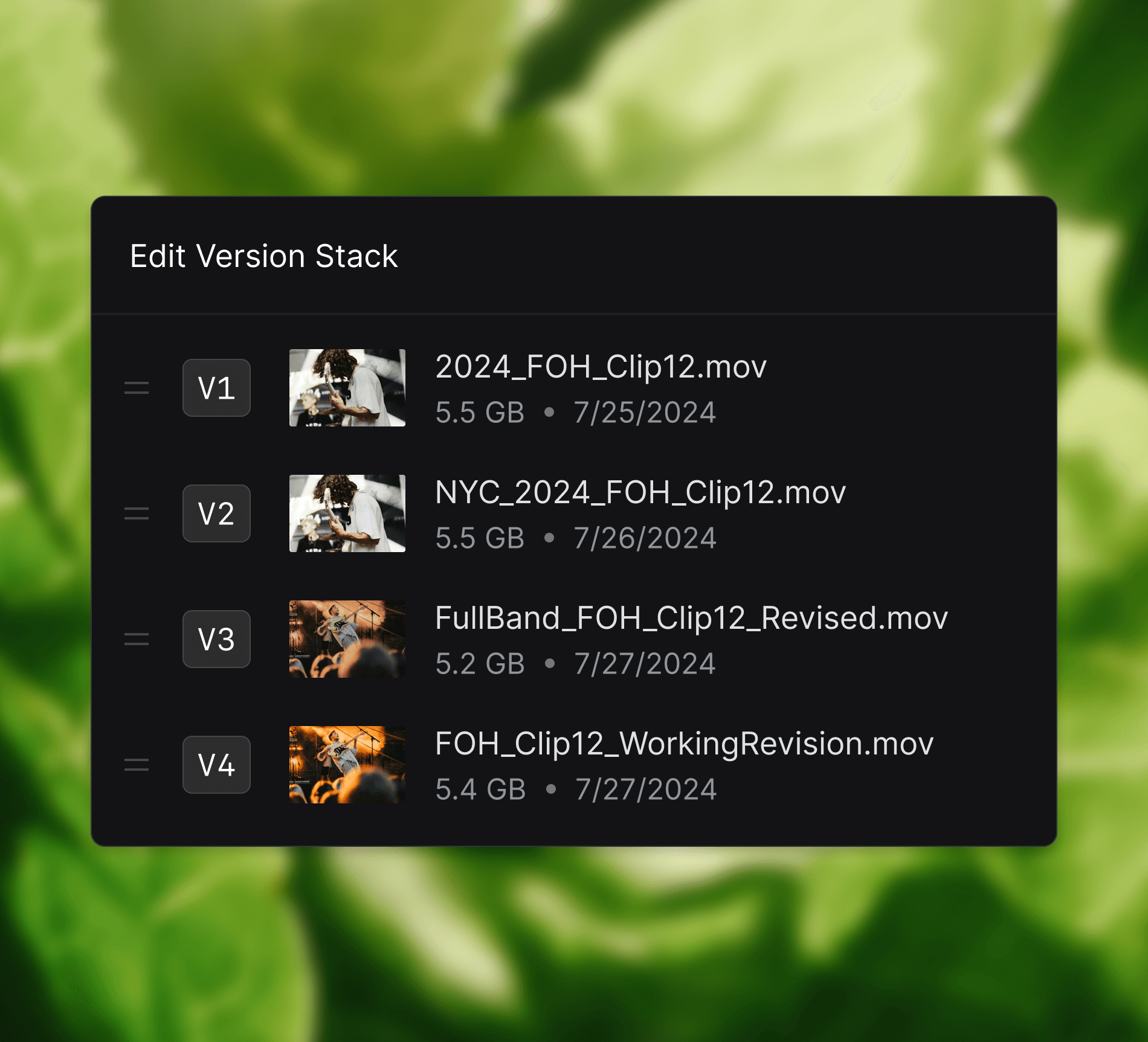
Track revisions, compare edits, and restore versions without cluttering your workspace.
Version stacking
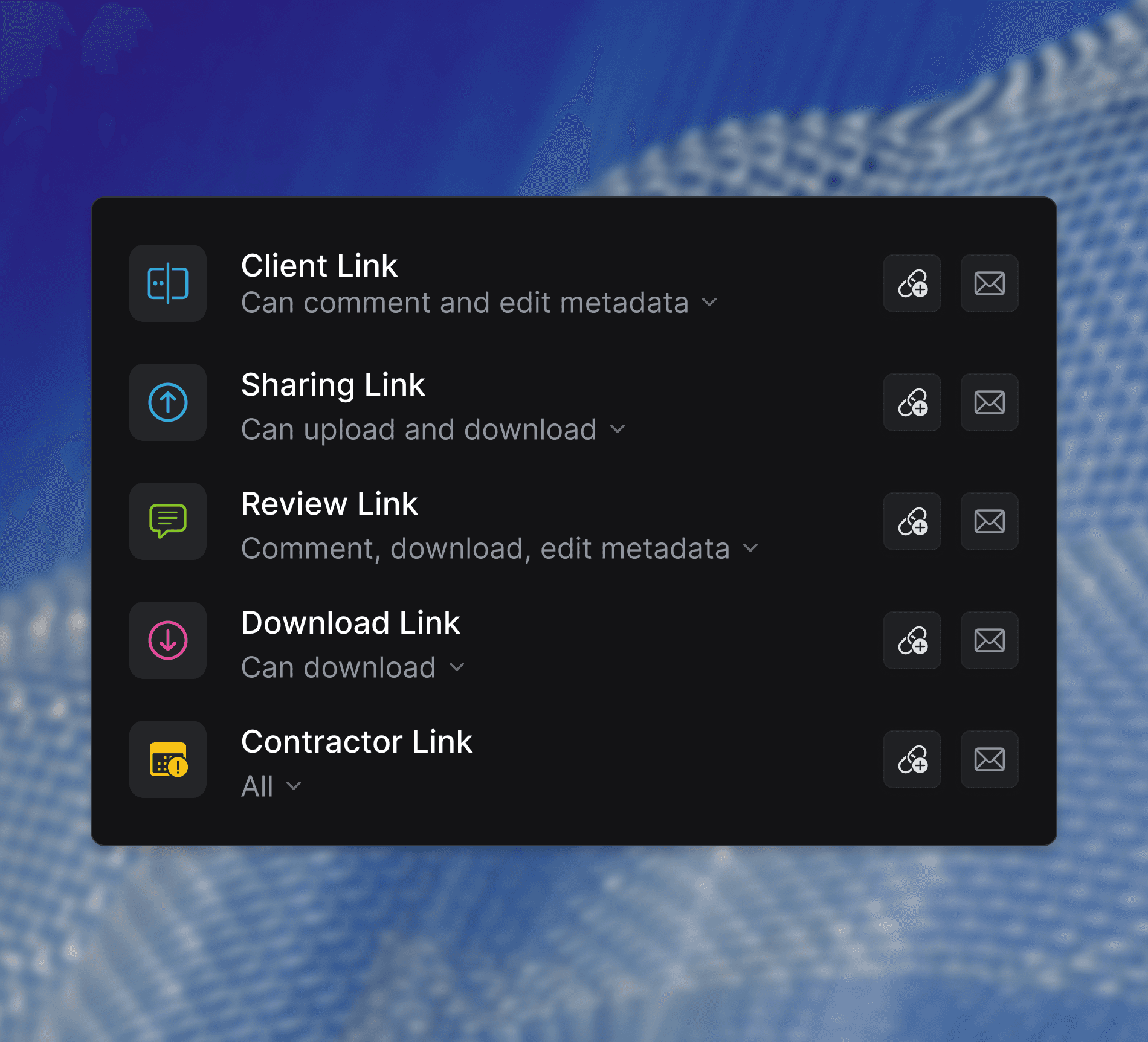
Track revisions, compare edits, and restore versions without cluttering your workspace.

Version stacking
Track revisions, compare edits, and restore versions without cluttering your workspace.

Version stacking
Track revisions, compare edits, and restore versions without cluttering your workspace.

Custom share links
Share folders and files with action-based permissions and unique links that update live.
Custom share links
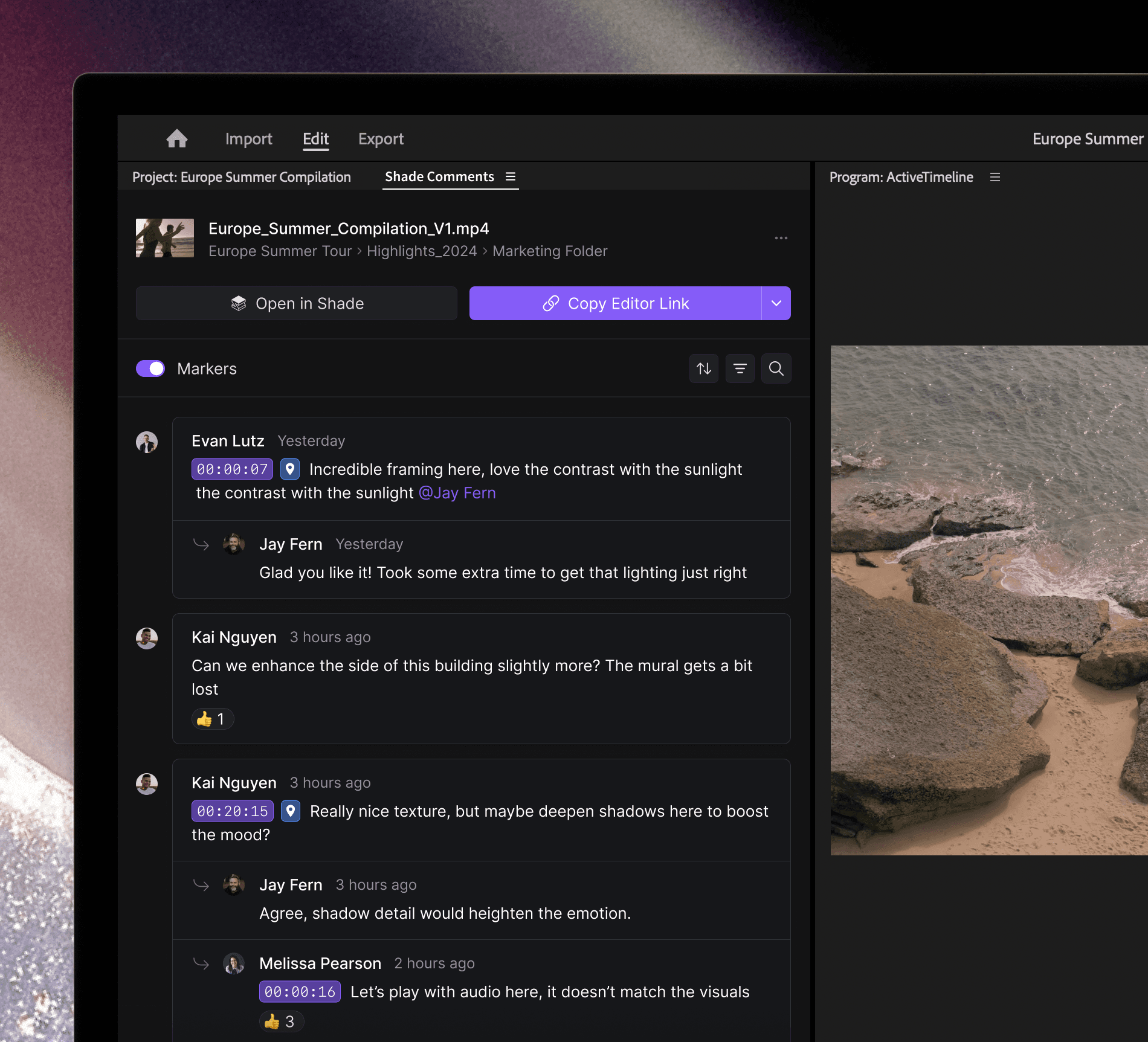
Share folders and files with action-based permissions and unique links that update live.

Custom share links
Share folders and files with action-based permissions and unique links that update live.

Custom share links
Share folders and files with action-based permissions and unique links that update live.

Premiere Pro Panel
Respond to Shade comments right in Premiere Pro with frame-accurate, timeline markers.

Premiere Pro Panel
Respond to Shade comments right in Premiere Pro with frame-accurate, timeline markers.

Premiere Pro Panel
Respond to Shade comments right in Premiere Pro with frame-accurate, timeline markers.

Premiere Pro Panel
Respond to Shade comments right in Premiere Pro with frame-accurate, timeline markers.
Unparalled Collaboration
Advanced tools for pinpoint feedback.
Annotate timelines with your team members.
Control your Workflow
Powerful controls for modern teamwork.
Manage sharing and collaboration at every level.
Powerful controls for modern teamwork. Manage sharing and collaboration at every level.

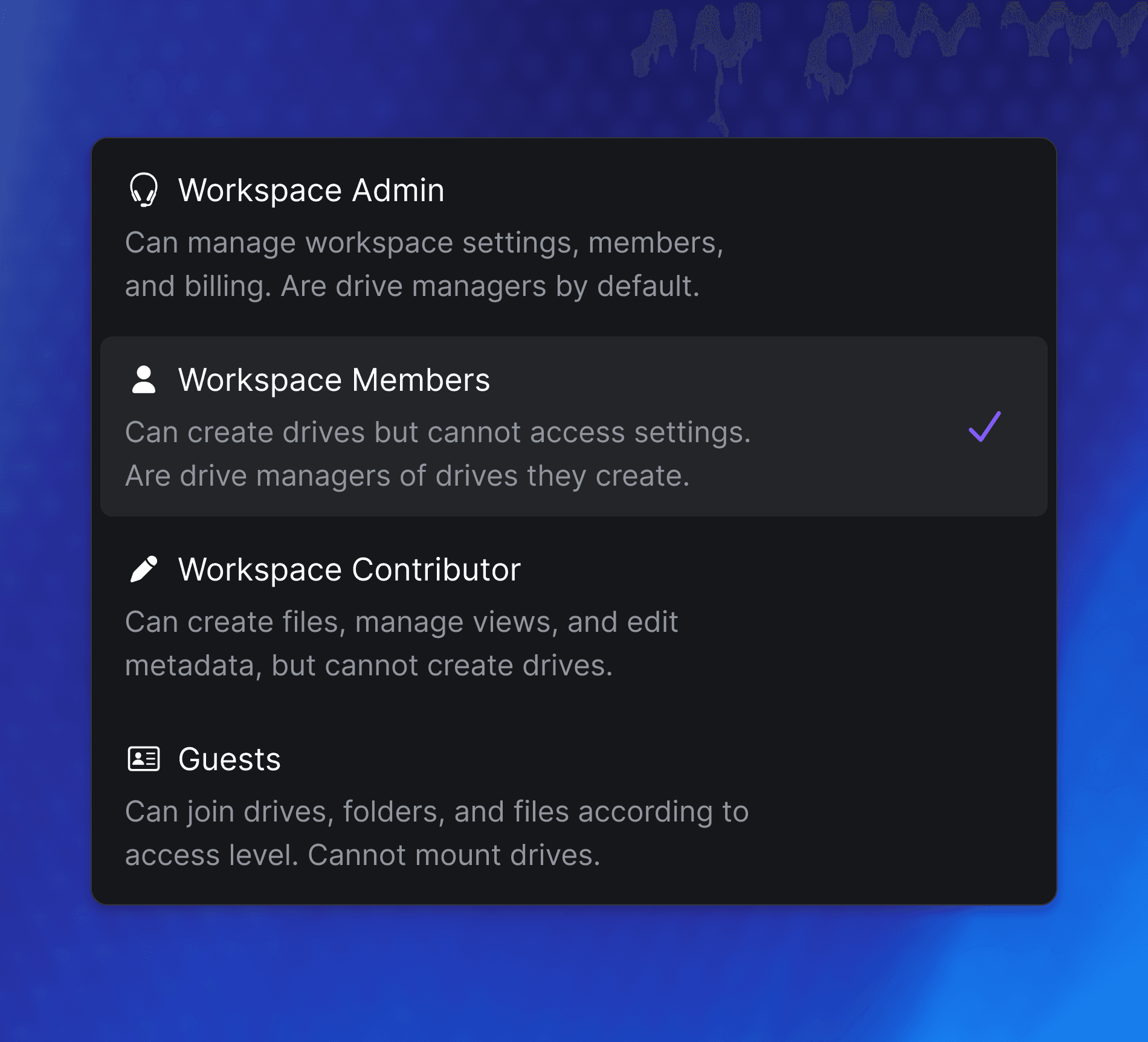
Granular permissions
Manage access at the workspace, drive, folder, and file level. Control metadata interactions and more for unparalleled security.
Granular permissions
Manage access at the workspace, drive, folder, and file level. Control metadata interactions and more for unparalleled security.

Granular permissions
Manage access at the workspace, drive, folder, and file level. Control metadata interactions and more for unparalleled security.

Granular permissions
Manage access at the workspace, drive, folder, and file level. Control metadata interactions and more for unparalleled security.

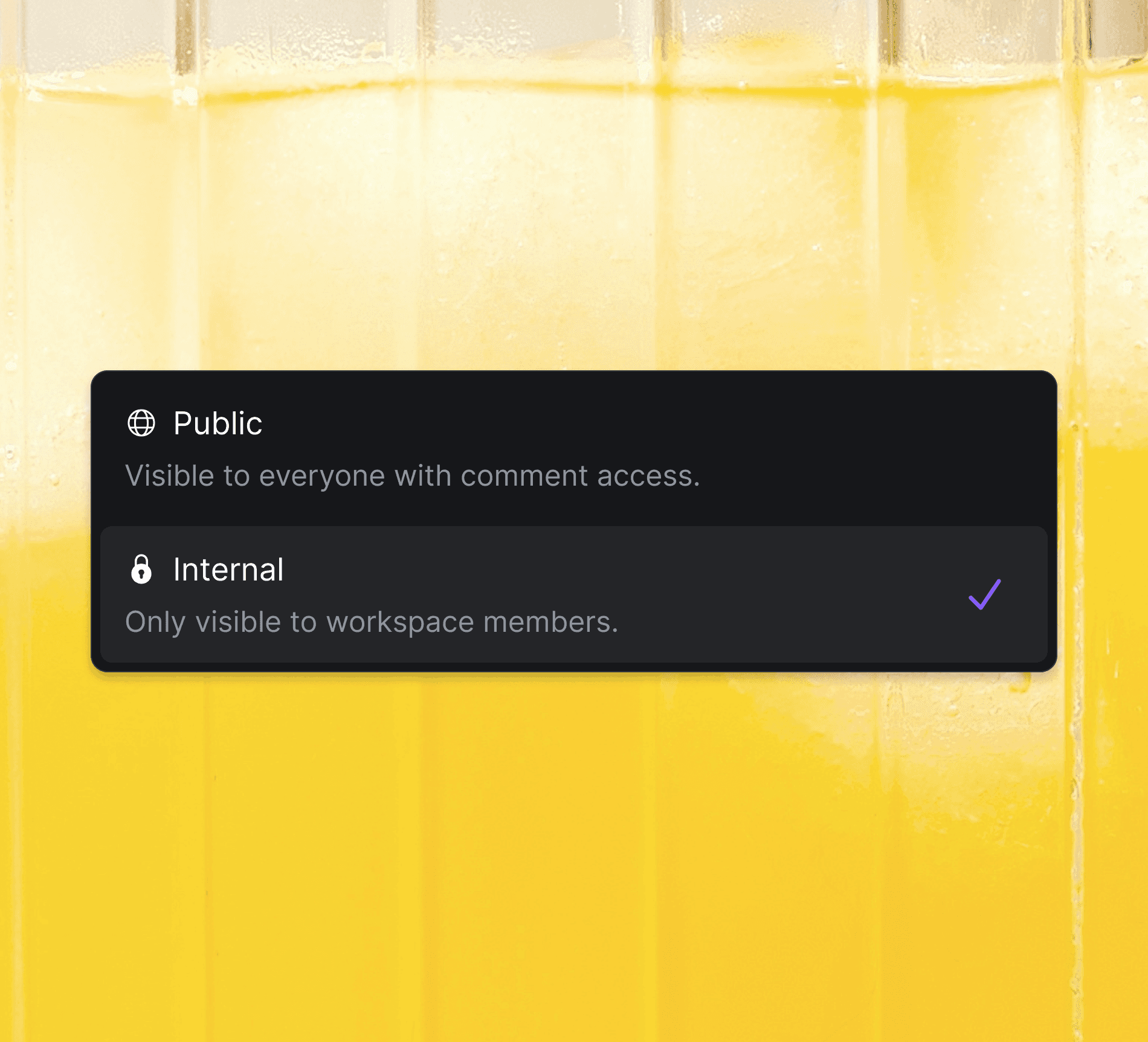
Control comment visibility
Choose whether comments are public or restricted to your internal team, ensuring secure and intentional collaboration.
Control comment visibility
Choose whether comments are public or restricted to your internal team, ensuring secure and intentional collaboration.

Control comment visibility
Choose whether comments are public or restricted to your internal team, ensuring secure and intentional collaboration.

Control comment visibility
Choose whether comments are public or restricted to your internal team, ensuring secure and intentional collaboration.

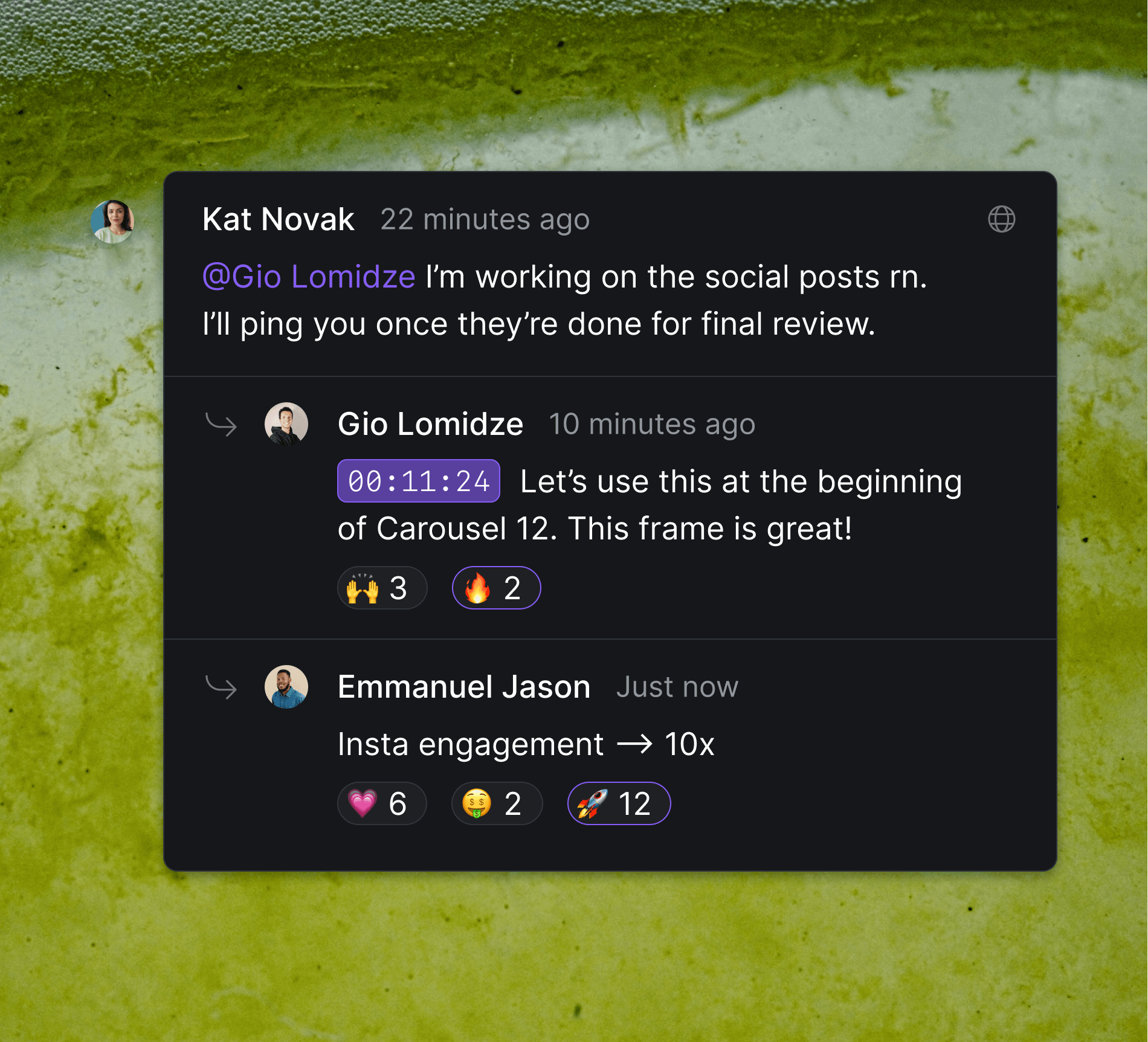
Mention, react, and more
Engage your team with mentions, quick reactions, and threaded discussions. Keep feedback organized and encourage efficient collaboration.


Mention, react, and more
Engage your team with mentions, quick reactions, and threaded discussions. Keep feedback organized and encourage efficient collaboration.

Mention, react, and more
Engage your team with mentions, quick reactions, and threaded discussions. Keep feedback organized and encourage efficient collaboration.

Mention, react, and more
Engage your team with mentions, quick reactions, and threaded discussions. Keep feedback organized and encourage efficient collaboration.

Start today
St
o


p waiting.
Start creating.


Start today
St
o


p waiting.
Start creating.


Start today
St
o


p waiting.
Start creating.


Start today
St
o


p waiting.
Start creating.